AndroMouse
Control your computer. Effortlessly.
Android · iOS · Windows / macOS / Linux
Highlights
Mission
Turn any phone into a precise, low-latency remote for any computer — mouse, keyboard, media, and presentations — with zero setup friction.
Problem
Remote-control apps were laggy, clumsy to pair, and felt like toys. People wanted to drive their machine from the couch or the podium without fighting the tooling.
Solution
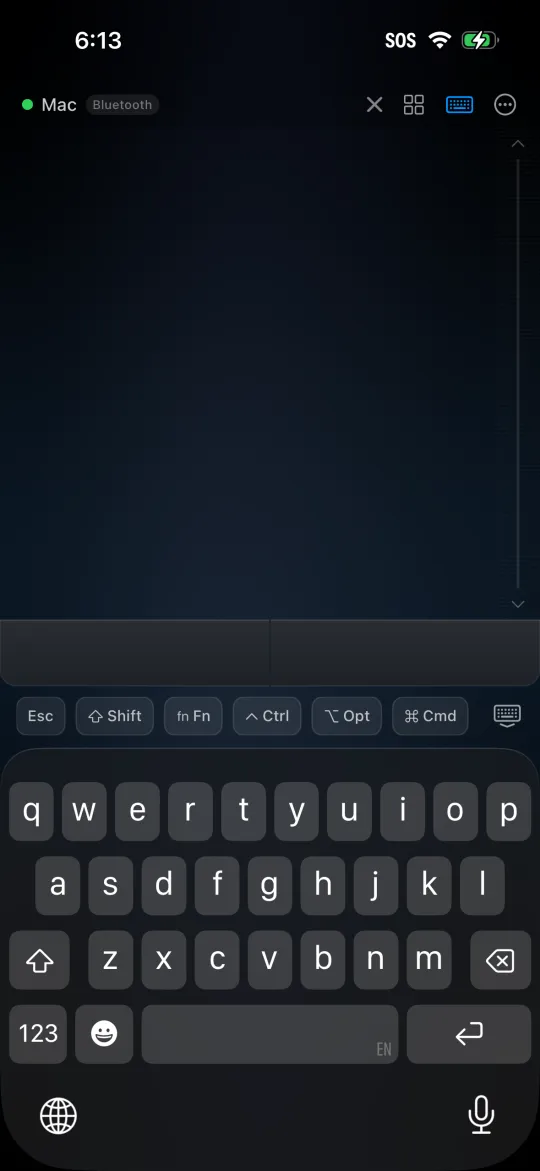
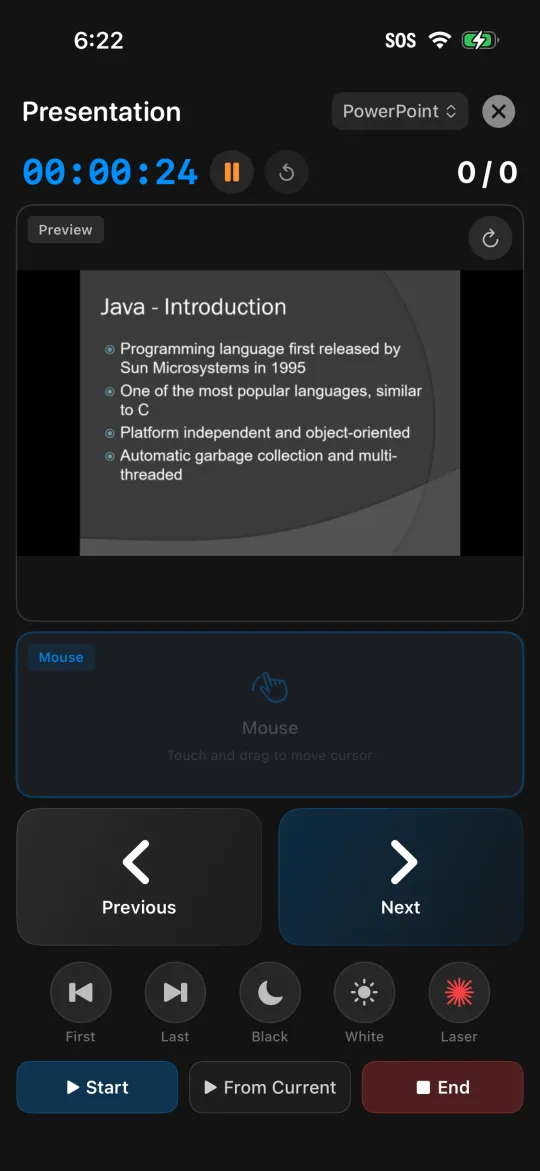
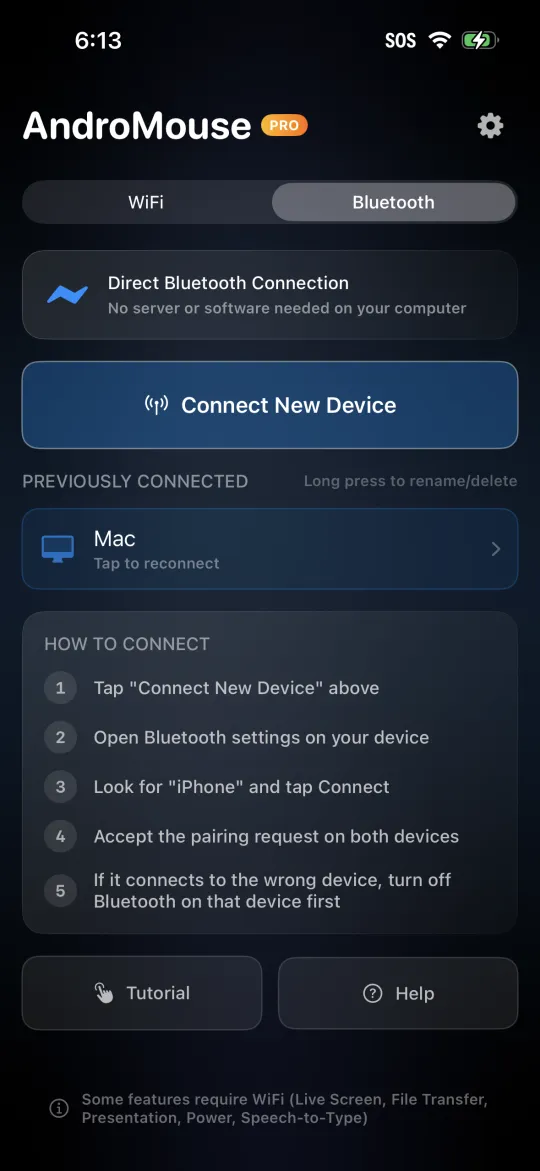
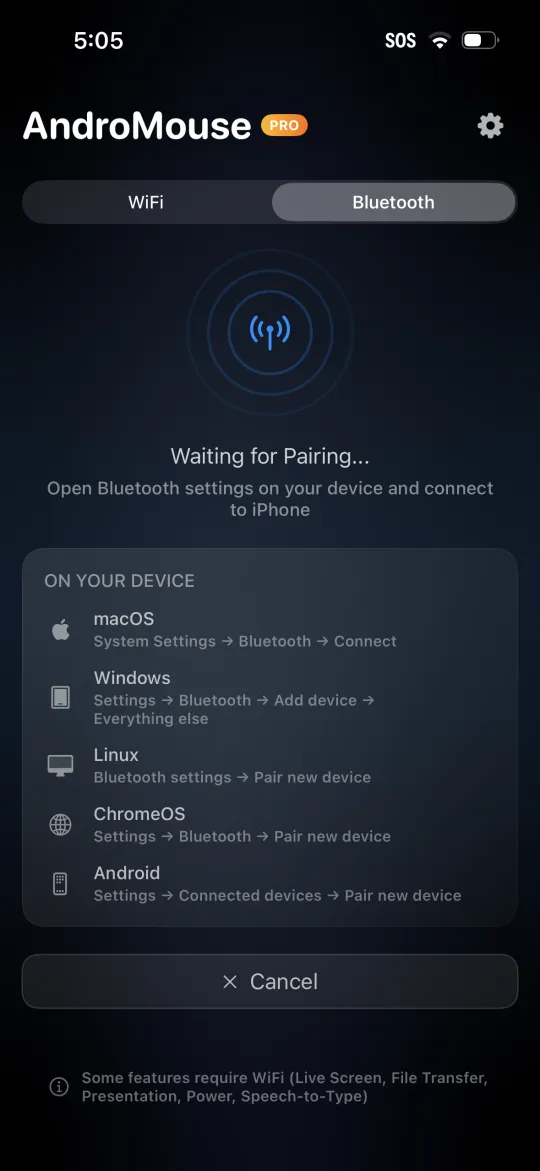
A lightweight desktop companion pairs with the phone over WiFi or Bluetooth — no external servers — then streams input with a trackpad, full keyboard, presenter mode, power controls, and a drag-and-drop custom remote builder.
Architecture
- Native iOS client (Swift / SwiftUI) + Android client (Kotlin / Compose), sharing a gesture input engine
- Cross-platform desktop companion for Windows, macOS, and Linux
- Local-network + Bluetooth transport tuned for low input latency
- Custom-remote builder with a drag-and-drop layout system
Technologies
Challenges
Driving input latency low enough to feel physical, not networked.
Reliable pairing across hostile home-router and firewall setups.
One control layer that maps cleanly to three desktop OSes.
Results
Screenshots
Future Vision
Multi-monitor awareness, app-specific control surfaces, and seamless handoff between nearby devices.
Get AndroMouse
Have an idea like this?
Build with us ›